DevOps & CI/CD
· 5 min read
Production Readiness Checklist: 10 Essential Checks
Use this production readiness checklist to secure, deploy, monitor and optimize your application before launching it to real users.
· 5 min read
Use this production readiness checklist to secure, deploy, monitor and optimize your application before launching it to real users.

· 10 min read
How much does a server cost for a small business in 2026? Compare VPS, cloud, dedicated, and physical server prices, including hidden costs.
· 8 min read
AWS vs VPS for startups: compare pricing, scalability, security, performance, and management to choose the right hosting solution.
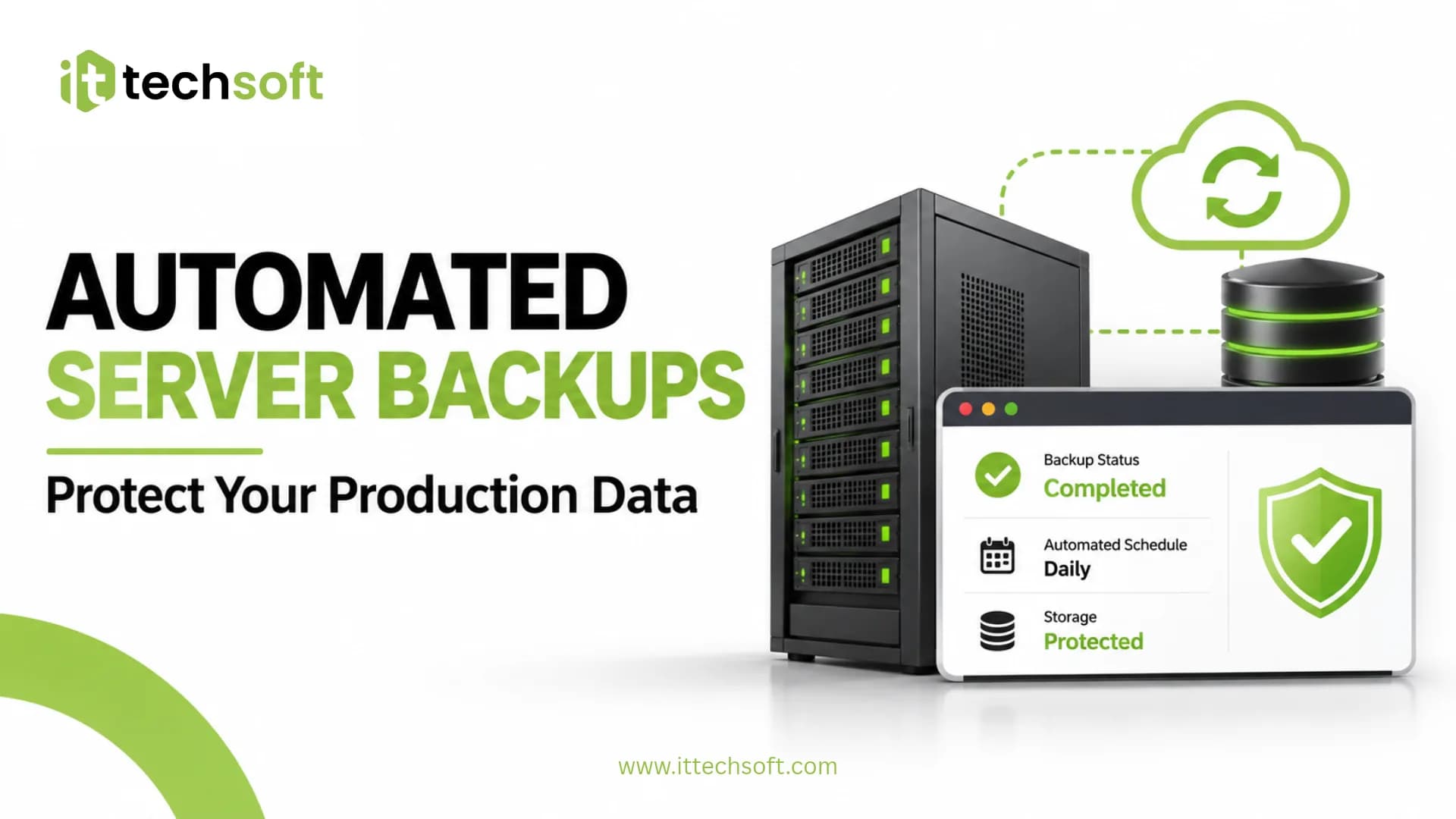
Learn how to set up automated server backups on Ubuntu VPS using Bash scripts and Cron. Schedule backups, secure your data, and test recovery.
Building an application is a major achievement. But getting it ready for real users requires more than writing code and running it on your local machine.
A production application needs reliable infrastructure, proper security, automated deployment, monitoring, database optimization and a recovery strategy.
Without these foundations, even a well-developed application can experience unexpected downtime, security vulnerabilities, slow performance or deployment failures.
In this guide, we'll cover 10 essential production readiness checks you should complete before launching your application.
Your production environment should match your application's requirements.
Before deployment, consider:
Depending on your application, you may choose a VPS, cloud server or managed infrastructure.
A VPS can be a practical starting point for many small applications and startups. Larger or rapidly growing workloads may require additional cloud infrastructure and scaling strategies.
The important thing is to choose infrastructure based on actual requirements rather than simply selecting the cheapest available server.
A production server needs more than an operating system and an application runtime.
Make sure you configure:
Your application should run through a managed process rather than depending on an open terminal session.
A properly configured server provides a more predictable environment for your application.
Your application should use HTTPS for public-facing traffic.
Configure:
HTTPS helps protect information exchanged between users and your application.
For certificate management, you can use Let's Encrypt.
Documentation: https://letsencrypt.org/docs/
Never hardcode sensitive credentials into your source code.
Examples include:
Use environment variables or an appropriate secrets management solution.
Also make sure that:
A leaked API key can create serious security and financial risks.
Manual deployment may work during early development, but repeating the same steps manually becomes difficult as an application grows.
A CI/CD pipeline can automate:
Tools such as GitHub Actions can help automate this process.
Documentation: https://docs.github.com/en/actions
Before launching, make sure your deployment process is documented and repeatable.
Your database plays an important role in application performance.
Before production launch, review:
Avoid running unnecessary queries on every request.
Use query analysis and monitoring to identify bottlenecks.
If your application is expected to handle increasing traffic, consider caching and database optimization early.
A backup is useful only when you can successfully restore it.
Your backup strategy should define:
Keep backups separate from the primary production environment where practical.
Most importantly, perform restore tests before relying on backups during an incident.
You should know when something goes wrong with your infrastructure.
Monitor important metrics such as:
Configure alerts for conditions that require attention.
Monitoring helps your team identify potential problems before they significantly affect users.
Every production deployment carries some risk.
A failed release should not leave your application unavailable for an extended period.
Prepare a rollback strategy that explains:
Test your recovery procedure before you need it.
A documented rollback process makes production operations more predictable.
Before making your application publicly available, perform a final review.
Your testing checklist should include:
Do not assume that an application is production-ready simply because it works in development.
Test the complete production workflow.
Before launch, verify that:
Building an application and operating it reliably in production are two different challenges.
Your team should be able to focus on developing the product without constantly worrying about server configuration, deployment failures, security or infrastructure performance.
At ItTechSoft, we help businesses deploy, secure and scale their applications with practical production engineering services.
Our services include:
Whether you're preparing your first application launch or improving an existing production environment, having the right infrastructure foundation makes a difference.
Ready to take your application to production?
Visit https://ittechsoft.com and request a custom quote.
A production-ready application has the infrastructure, security, deployment process, monitoring and recovery procedures needed to operate reliably for real users.
Not necessarily. A VPS is one option. Depending on your application's architecture and requirements, you may also use cloud platforms or managed hosting services.
CI/CD automates parts of the build, testing and deployment process. This helps make releases more consistent and reduces repetitive manual work.
No. Backups should be stored securely and restoration should be tested regularly. A backup that cannot be restored is not a reliable recovery strategy.
Review performance before launch and continue monitoring after deployment. Optimize based on measured bottlenecks rather than guessing.
About ItTechSoft
ItTechSoft provides production engineering services for modern applications, helping teams deploy, secure, monitor and scale their software.