Deployment
· 10 min read
How Much Does a Server Cost for a Small Business in 2026?
How much does a server cost for a small business in 2026? Compare VPS, cloud, dedicated, and physical server prices, including hidden costs.
· 10 min read
How much does a server cost for a small business in 2026? Compare VPS, cloud, dedicated, and physical server prices, including hidden costs.
· 5 min read
Use this production readiness checklist to secure, deploy, monitor and optimize your application before launching it to real users.
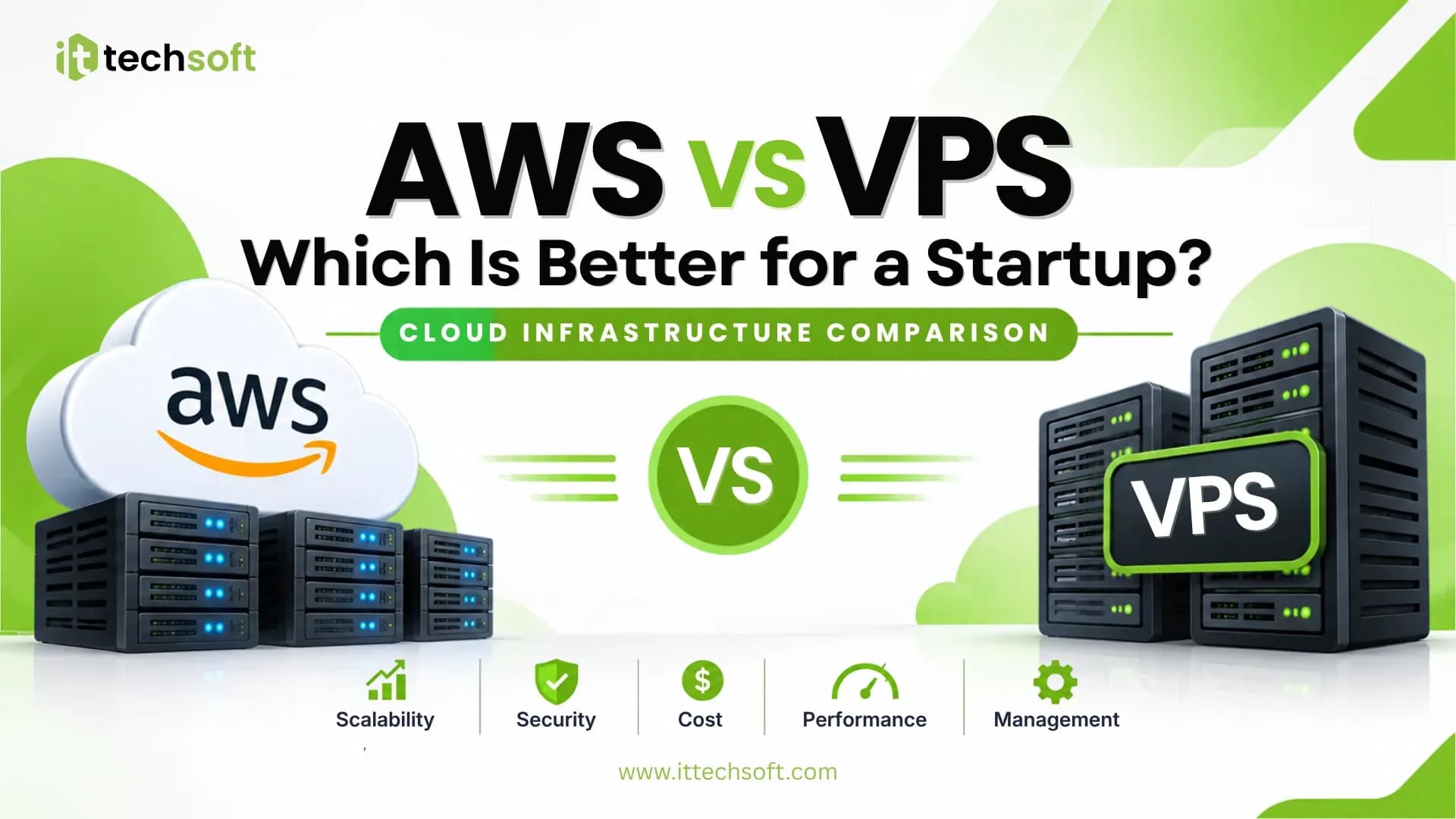
· 8 min read
AWS vs VPS for startups: compare pricing, scalability, security, performance, and management to choose the right hosting solution.
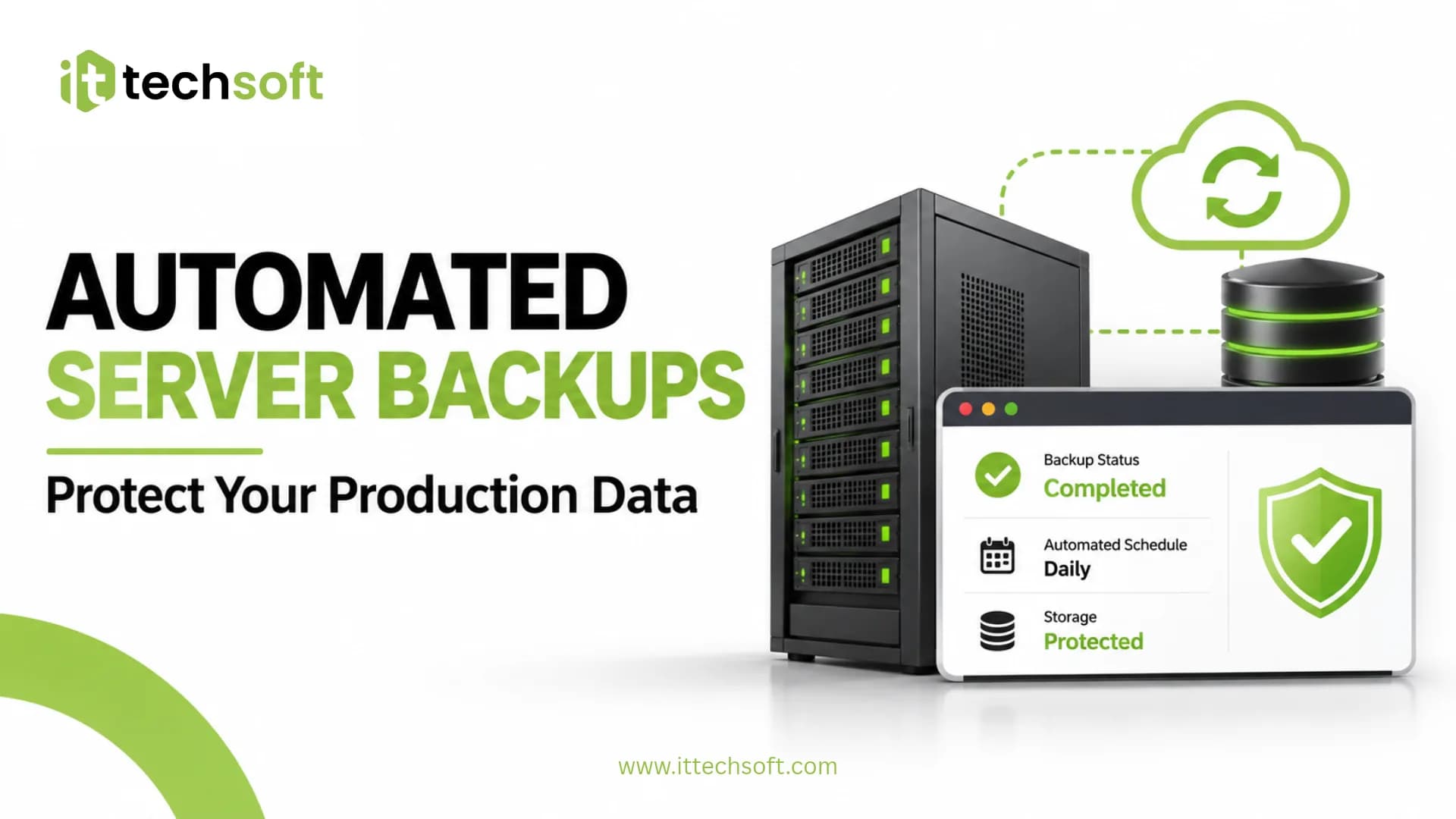
· 9 min read
Learn how to set up automated server backups on Ubuntu VPS using Bash scripts and Cron. Schedule backups, secure your data, and test recovery.
Choosing the right server is an important investment for any small business. Whether you need to host a website, run business applications, store company files, manage databases, or support employees, your server choice directly affects performance, security, and operating costs.
But how much does a server actually cost for a small business?
In 2026, a small business might spend around $5–$75 per month for a basic to moderately sized VPS or cloud server, while dedicated servers can cost $100–$375 or more per month. Purchasing a physical server can require an upfront investment of approximately $1,500–$5,500 or more, depending on hardware and configuration.
These are approximate planning estimates, not fixed market prices. Actual costs depend on workload, location, provider, operating system, storage, security requirements, and support.
In this guide, we'll compare different server types, explain their costs, explore additional expenses, and help you choose the right infrastructure for your business.
If you're also planning to deploy a business application, ItTechSoft provides production engineering support for deployment, server management, security, and infrastructure optimization.
For many small businesses, renting a cloud server or Virtual Private Server (VPS) is a practical alternative to purchasing physical hardware.
A VPS provides virtual computing resources on a physical host. You can install software, deploy applications, configure databases, and manage your environment without maintaining a physical server in your office.
A typical planning budget looks like this:
Server configurationEstimated monthly costSuitable forBasic VPS (1 GB RAM)$5–$15Testing, small websitesSmall business VPS (2–4 GB RAM)$12–$50Business websites, APIs, small applicationsMid-range VPS (8 GB RAM)$40–$100Multiple applications, moderate workloadsHigher-performance VPS (16 GB RAM+)$80–$200+Larger databases and demanding applications
These are approximate budgeting ranges rather than universal provider rates.
For example, DigitalOcean's Droplet pricing provides different virtual server configurations based on CPU, RAM, and storage.
Another option is Amazon Lightsail, which offers simplified virtual server plans with predictable monthly pricing. Its listed Linux/Unix plans have included entry-level options starting at $5 per month, although prices and availability can change.
A VPS is suitable when you need:
For a startup or small business launching its first application, a properly configured VPS can be a cost-effective starting point.
A dedicated server gives your business access to an entire physical server rather than sharing its computing resources with other customers.
Dedicated servers are generally more expensive than VPS hosting, but they can provide greater hardware control and predictable access to server resources.
Dedicated server typeEstimated monthly costSuitable forEntry-level dedicated server$100–$150Small business applicationsMid-range dedicated server$150–$250Multiple applications and databasesHigh-performance dedicated server$250–$375+Heavy workloads and higher traffic
Prices depend on CPU generation, RAM, storage, bandwidth, provider, and whether server management is included.
You can explore hardware configurations from manufacturers such as Dell PowerEdge Servers. For rented dedicated servers, compare provider specifications and support terms before making a decision.
A dedicated server may be appropriate if your business:
However, dedicated hardware is not automatically better for every business. If your workload is relatively small, a VPS may provide sufficient performance at a much lower cost.
Some businesses prefer to purchase and operate their own physical servers inside an office or private facility.
This approach gives you direct control over hardware, storage, and local infrastructure. However, the purchase price is only one part of the total cost.
Hardware categoryEstimated upfront budgetEntry-level business server$1,500–$3,000Mid-range business server$3,000–$5,500Higher-performance server$5,500+
These are broad planning estimates. Actual configurations and prices can vary significantly by manufacturer, region, hardware specifications, and warranty.
When purchasing a physical server, you may also need:
You should also consider electricity consumption, physical security, internet connectivity, and the space required to operate the server.
For businesses evaluating Windows Server licensing, consult Microsoft's Windows Server licensing information before estimating the complete purchase cost.
The server's advertised price does not always represent the total cost of running it.
Several additional expenses can affect your monthly or annual infrastructure budget.
Depending on your environment, you may need to pay for:
Linux-based servers can reduce operating system licensing costs, but they still require proper configuration, maintenance, and security management.
A server needs to be configured before it can safely run business applications.
Initial setup may include:
Professional setup costs vary depending on server architecture, application complexity, migration requirements, and security needs.
A server failure, accidental deletion, or security incident can cause serious business disruption.
Your backup budget should account for:
A backup system is only useful when your business can successfully restore its data.
Production servers need ongoing attention.
Regular maintenance may include:
You can manage these tasks internally or work with a managed server provider. The cost depends on the level of support, monitoring coverage, and response requirements.
Which option offers the best value for a small business?
FactorVPSCloud platformDedicated serverPhysical on-premiseInitial costLowLowLow to moderateHighPricing modelUsually monthlyUsage-based or plan-basedUsually monthlyUpfront purchaseScalabilityModerateHighHardware-dependentHardware-dependentHardware controlLimitedLimitedHighVery highMaintenanceCustomer-managed or managedVaries by serviceProvider-dependentBusiness-managedBest forSmall applicationsFlexible infrastructureResource-heavy workloadsLocal infrastructure
Cloud platforms and VPS hosting are not identical.
A VPS is a type of virtual server. Cloud platforms such as AWS provide a broader collection of infrastructure services, including virtual machines, storage, networking, databases, and monitoring.
For example, AWS EC2 uses a pay-as-you-go pricing model, while Amazon Lightsail offers simpler bundled monthly plans.
You can also use the official AWS Pricing Calculator to estimate infrastructure costs before deploying your application.
The right choice depends on your workload and how much infrastructure management your business wants to handle.
There is no single server configuration that works for every business. Your ideal setup depends on what you are running, how many people use it, and how much traffic or data it handles.
Here are some practical starting points.
Recommended starting point:
A small VPS can be sufficient for a relatively lightweight business website.
Recommended starting point:
Your actual requirements will depend on application architecture, database workload, traffic, and background processing.
Recommended starting point:
An e-commerce platform may require additional resources during promotions, sales campaigns, or traffic spikes.
A physical server or suitable cloud storage solution may be appropriate depending on the number of employees, storage requirements, access patterns, and data protection needs.
Before purchasing hardware, evaluate whether a cloud-based file storage service could meet your requirements more efficiently.
A small business does not need to purchase expensive infrastructure immediately.
Here are some practical ways to control server expenses.
1. Start with the resources you actually need
Avoid paying for excessive CPU, RAM, and storage before your application requires them.
2. Monitor server usage
Track CPU, memory, storage, network traffic, and application performance. Use real usage data to decide when to upgrade.
3. Optimize your application
Slow database queries, unnecessary background processes, and inefficient code can increase infrastructure requirements.
4. Automate deployments
CI/CD automation can reduce repetitive manual work and make application releases more consistent.
5. Configure automated backups
Use an appropriate backup schedule and off-site storage. Regularly test restoration instead of assuming backups are working.
6. Review cloud bills regularly
Check for unused resources, unnecessary storage, data transfer charges, and services that are no longer needed.
7. Scale when necessary
Choose an infrastructure setup that can grow with your business instead of paying for enterprise-level capacity from day one.
Here is a simple summary of the planning ranges discussed in this guide.
Server solutionTypical budgetBasic VPS$5–$15/monthSmall business VPS$12–$50/monthMid-range VPS$40–$100/monthDedicated server$100–$375+/monthPhysical server$1,500–$5,500+ upfront
Remember that these figures do not necessarily include setup, software licensing, backups, managed support, taxes, or other infrastructure expenses.
For many startups and small businesses, starting with a properly configured VPS is a sensible approach. As traffic, workloads, and business requirements grow, you can evaluate more powerful VPS plans, dedicated servers, or a broader cloud infrastructure.
The goal is not to buy the most expensive server. It is to choose infrastructure that meets your current requirements while leaving room for future growth.
Choosing a server is only the first step. Configuring it securely, deploying applications, maintaining performance, and protecting business data are equally important.
ItTechSoft helps businesses build and manage production-ready infrastructure through:
Whether you are launching a new application or improving an existing production environment, the right infrastructure setup can help your business operate more reliably.
Build your product. Let us help you run it in production.
Explore ItTechSoft for production engineering support.
ItTechSoft — Deploy. Secure. Scale.
A basic VPS can start at around $5 per month, while a more capable small business VPS may cost approximately $12–$50 per month. Dedicated servers generally cost more, often starting around $100 per month. Your final price depends on resources, provider, and additional services.
Yes. A properly configured VPS can support many small business websites, APIs, business applications, and moderate workloads. The required resources depend on application architecture, traffic, and database usage.
It depends on how long you use it and what it costs to operate. Buying a server requires a large upfront investment, plus electricity, cooling, maintenance, licensing, and eventual replacement. Renting avoids the hardware purchase but creates recurring subscription costs.
A basic Linux VPS is often one of the cheapest practical options. Some providers offer entry-level plans starting around $5 per month, although production applications may require more RAM, CPU, storage, and backup capacity.
A lightweight website may work with 1–2 GB RAM, while a business application may need 4–8 GB or more. Database size, concurrent users, background jobs, and application architecture all influence memory requirements.
Not necessarily. Many small businesses can operate effectively on a VPS or cloud server. A dedicated server becomes more relevant when resource demands, performance requirements, or hardware control justify the additional cost.
Consider setup and deployment, operating system and software licenses, backups, monitoring, security, maintenance, electricity, networking, cooling, and hardware replacement.
A VPS is often simpler to budget for and manage when you need one or a few virtual servers. AWS can be useful when you need a broader range of cloud services, flexible infrastructure, or more complex architectures. Compare the complete expected monthly cost before deciding.
The following official resources support the provider pricing, licensing, and infrastructure information discussed in this article:
Pricing note: All prices in this article are approximate USD planning estimates. Provider prices, availability, taxes, regional rates, and hardware configurations can change. Check the linked provider pricing pages before purchasing.